
Virtual
Accountability & Hopeful Fridays: Weekly Meeting
Every Friday at 3:30 PM EST, we host our flagship virtual meeting: Accountability and Hopeful Fridays. It's a welcoming space where people from all walks of life come together to share wins, set goals, and stay motivated. Join us weekly to stay connected, encouraged, and focused on your personal and professional growth.
Every Friday, 3:30 PM EST
Join Today!
In Person
In Person Meet Ups
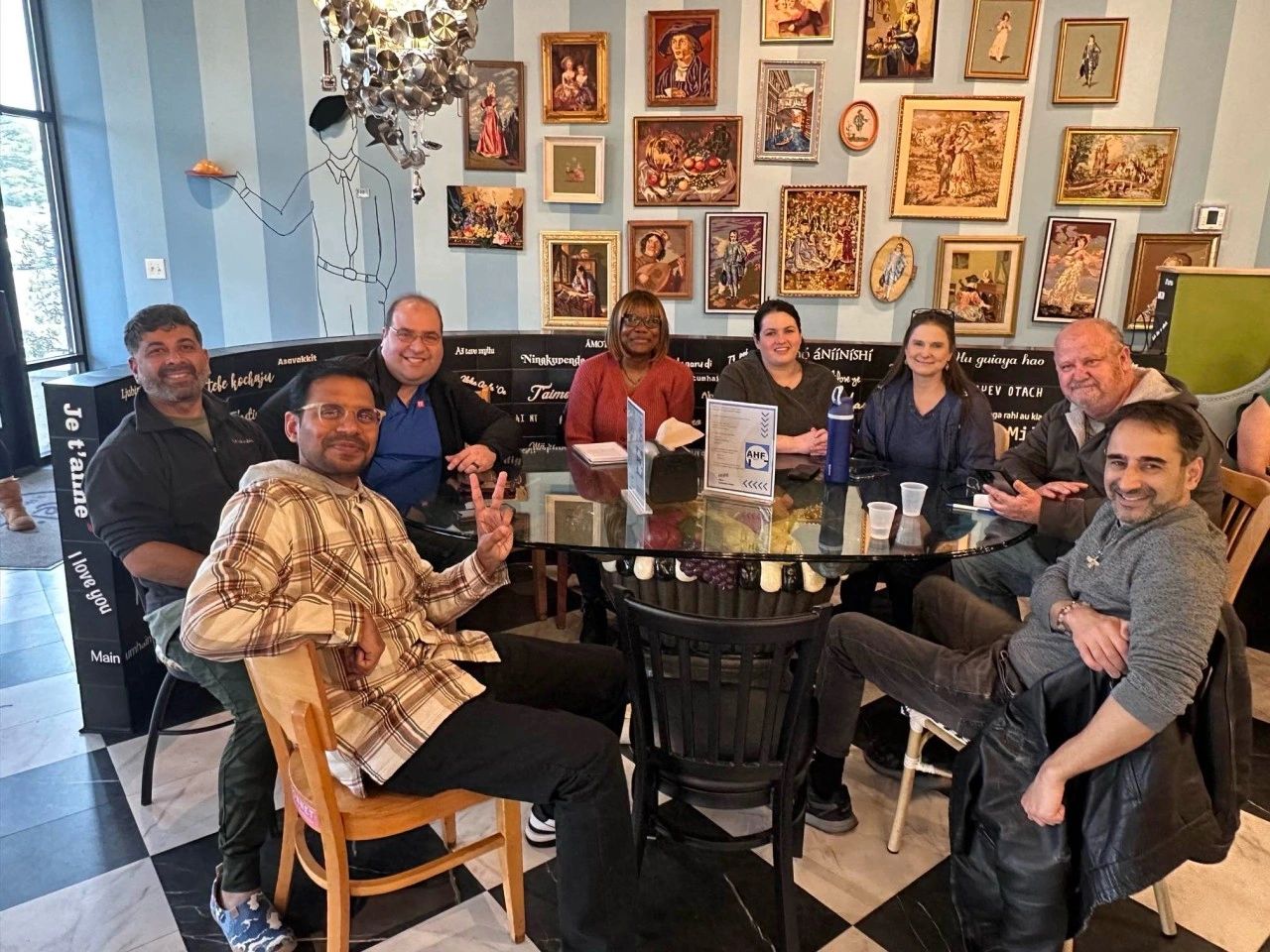
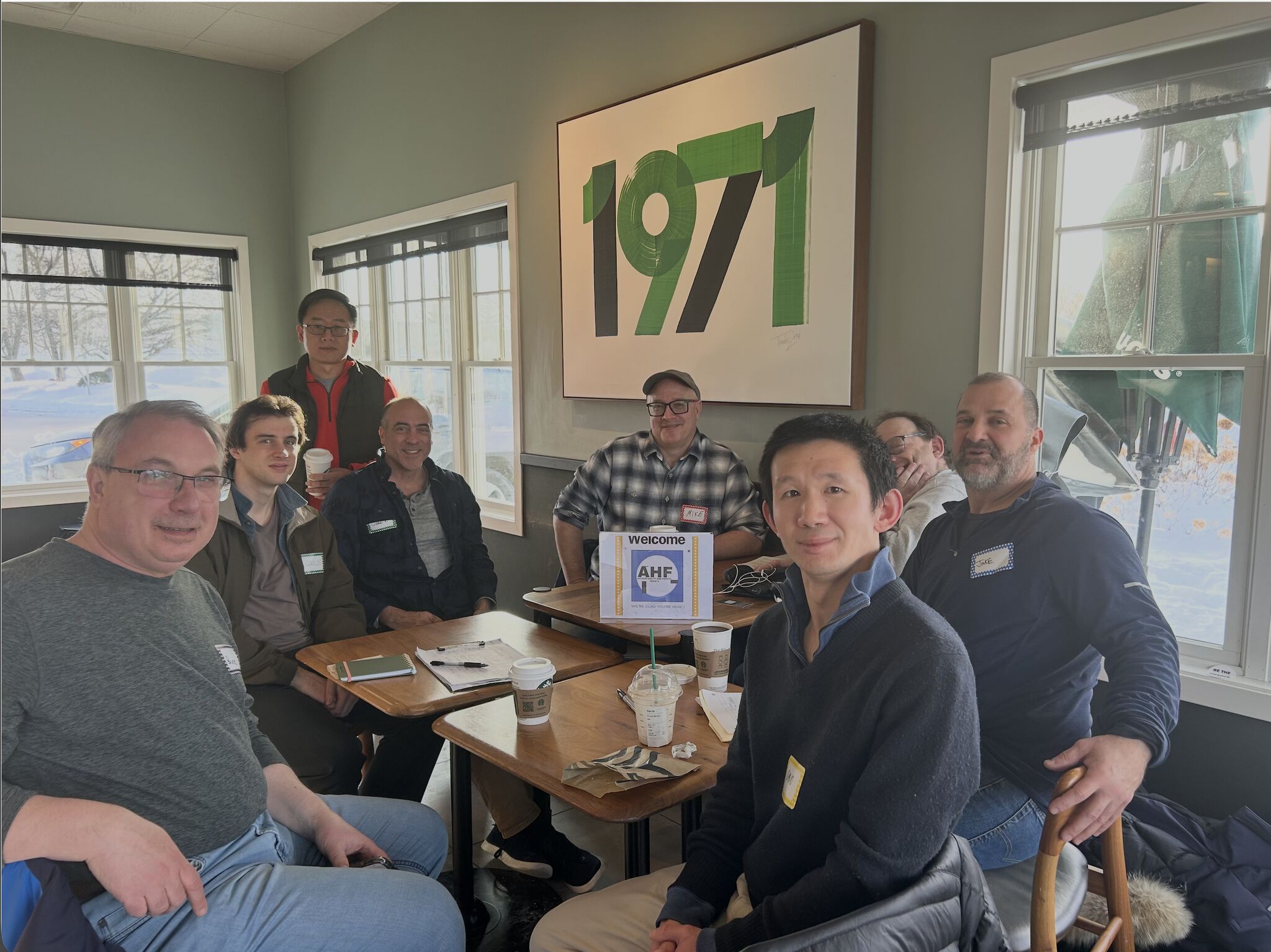
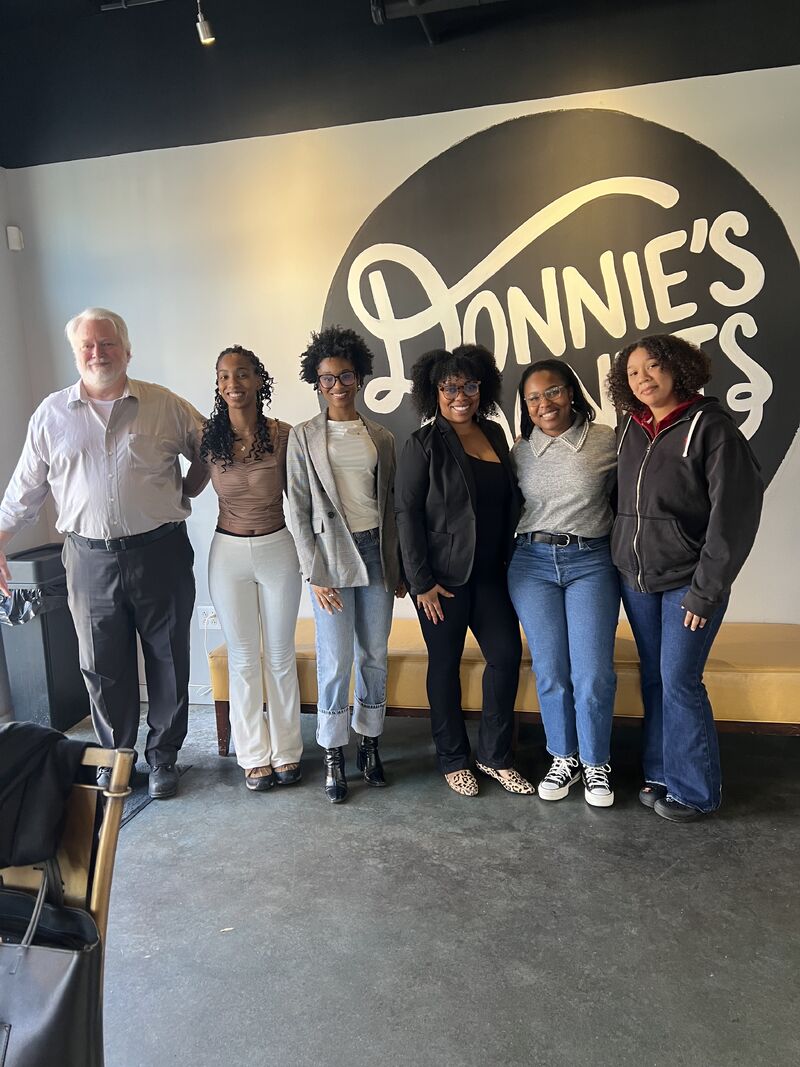
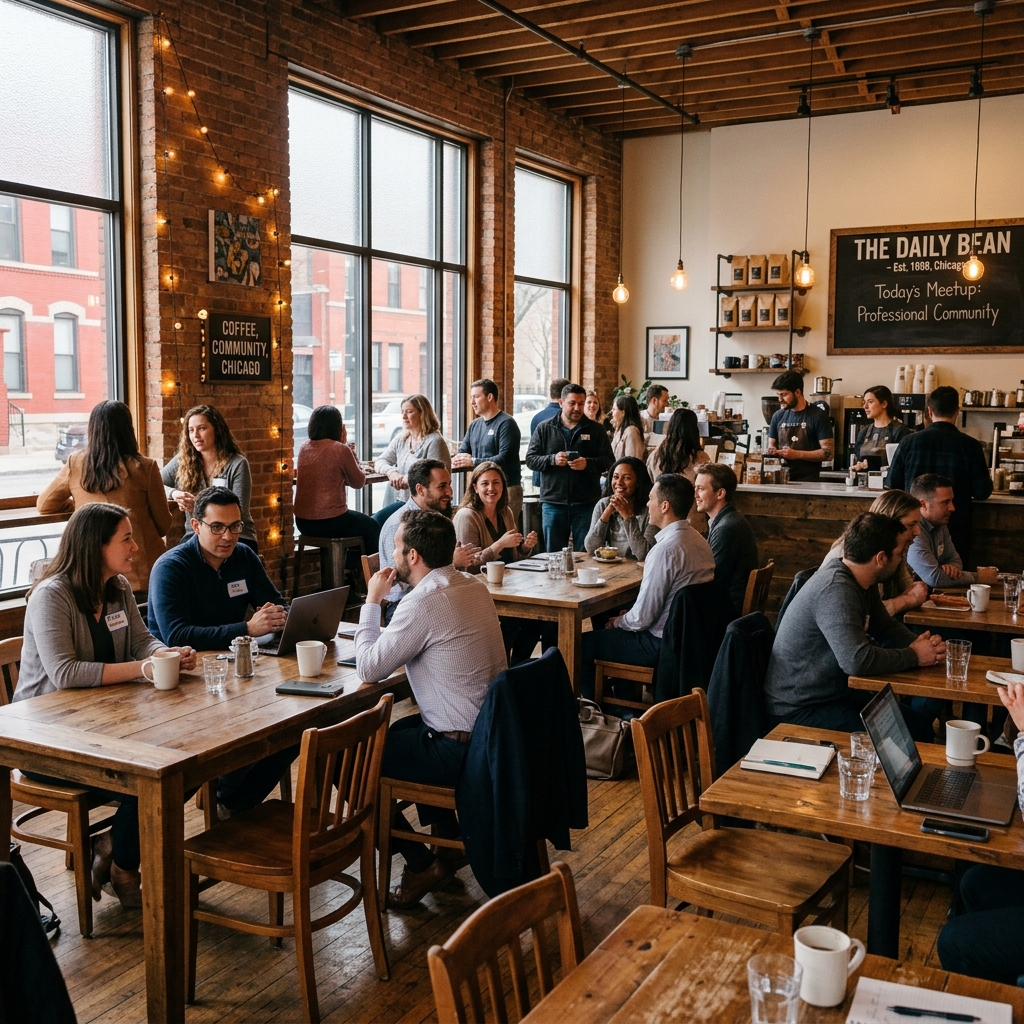
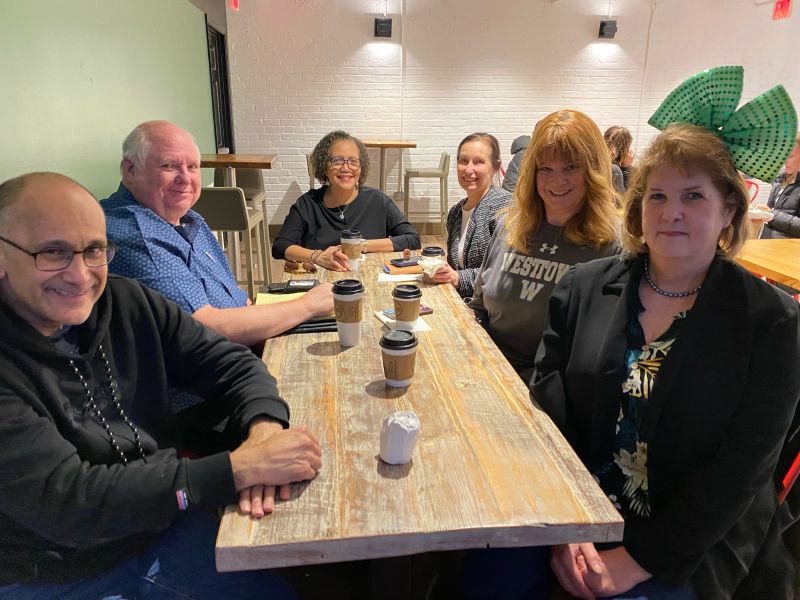
Thanks to the incredible growth of our community, we're now able to host in-person events in several major cities! These monthly AHF Coffee / Chai / Lemonade Meet-Ups are a wonderful complement to our core virtual experience - giving you the chance to connect face-to-face, build friendships, and strengthen community ties. Whether you enjoy a cozy cup of coffee or a refreshing glass of lemonade, come connect, recharge, and spend time with others in the AHF community.
Most chapters meet on the first Saturday of the month, with Boston meeting on the first Sunday. We'll have a laid-back atmosphere where you can relax and chat about anything and everything. The job search journey can often feel isolating - especially with so many interviews, classes, and support groups happening online. While virtual meetings offer flexibility, they can limit the human connection we all benefit from. Don't see a group in your area? Volunteer to start your local chapter!
Boston, MA
Atlanta, GA

Dallas & Fort Worth, TX
First Saturday of every month
3pm Local Time
Dallas: Starbucks Coffee - Addison Walk
5000 Belt Line Road
Addison, TX 75240
Fort Worth: Starbucks inside Market Street
Chapter Leader: Dawn Jones
Chicago, IL
Washington D.C.
First Saturday of every month
3pm Local Time
St. Elmo's Coffee Pub - Fairlington
Chapter Leader: Mark Felipe
Learning
Additional Training Sessions
Check out some of our additional training sessions from AHF!
Stay Connected
AHF Events Calendar
Never miss a meeting! Subscribe to our calendar to stay up-to-date with all AHF events, coffee meetups, and training sessions.
Subscribe to Our Calendar
Get automatic updates for all AHF events
Subscribe once and all AHF events will automatically sync to your calendar. When we add new events or make changes, your calendar updates automatically!
Step-by-Step Instructions
Google Calendar How to subscribe
- Open Google Calendar on your computer
- On the left side, find "Other calendars" and click the + button
- Select "From URL"
-
Paste this URL:https://outlook.office365.com/owa/calendar/6a969c4735b649df998a8a833959e327@hopefulfridays.org/ca58b27b7d324da4bfc586bc2f34458e5487102428204828225/calendar.ics
- Click "Add calendar" - Done! Events will sync automatically.
Outlook / Office 365 How to subscribe
- Open Outlook Calendar
- Click "Add calendar" in the left sidebar
- Select "Subscribe from web"
- Paste the URL and click "Import"
Apple Calendar How to subscribe
On Mac:
- Open Calendar app, go to File → New Calendar Subscription
- Paste the URL, click Subscribe and OK
On iPhone / iPad:
- Go to Settings → Calendar → Accounts → Add Account → Other → Add Subscribed Calendar
- Paste the URL and tap Next → Save
Expand Our Reach
No Chapter Nearby?
Ready to bring AHF to your area? Start a local chapter and help build community for job seekers in your city. We'll provide training, resources, and ongoing support.
Start a Chapter